LogoFreeGPT2
    • Explore
    • Blog
    • Pricing
    1. Home
    2. Models
    3. Seedream 4.5

    Seedream 4.5: High-Consistency AI Image Generation

    Built around commercial visual consistency, dense text rendering, and stronger reference-detail retention for brand posters, logo directions, campaign key visuals, and layout-heavy design work.

    Seedream 4.5
    Prompt
    0/3000
    Seedream 4.5
    Model-Specific Controls/Create Workflow
    Output
    Image Size
    Public Visible
    Cost 40 credits
    Loading credits...

    Ready to create images

    Generate in this workspace and the latest result will appear here with the supporting content below.

    Open the full Library
    Review history, source references, downloads, and every saved generation.
    Text To Image

    What is Seedream 4.5?

    Seedream 4.5 is ByteDance's high-consistency image model. ByteDance positions it around all-round scaling improvements that help the model identify main subjects more accurately, preserve reference details more reliably, and render typography and dense text more cleanly. In practice, Seedream 4.5 sits closer to high-fidelity commercial image work than to lightweight sketch-style ideation.

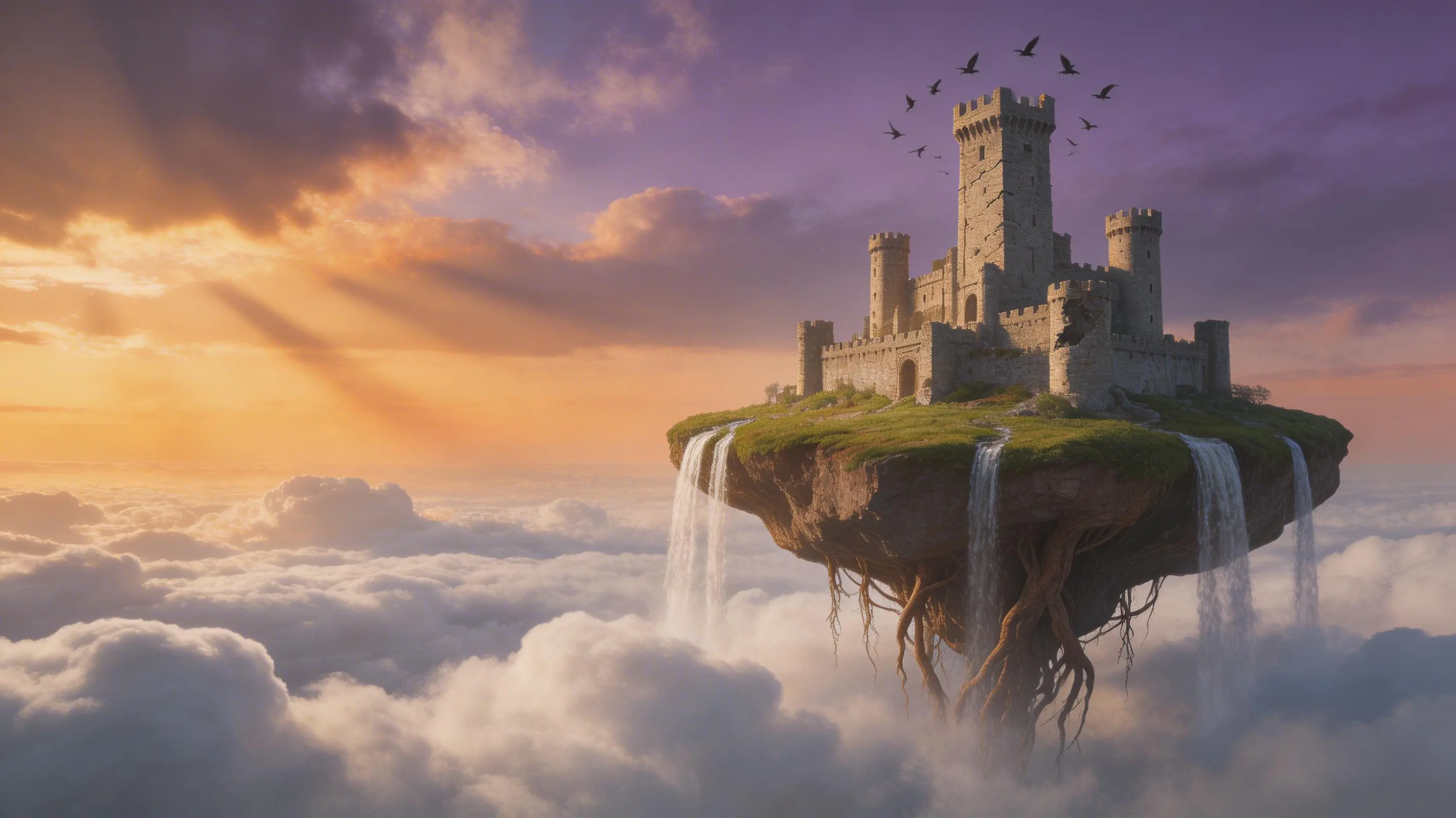
    Seedream 4.5 preview 1
    Commercial Visual Consistency

    Seedream 4.5 preview 1

    Key Capabilities

    Commercial Visual Consistency
    Seedream 4.5
    01

    High-Consistency Commercial Visuals

    ByteDance frames Seedream 4.5 around high consistency and high fidelity for professional visual creation. It is meant to land closer to polished commercial assets than to loose draft imagery.

    02

    Typography and Dense Text Rendering

    Official materials explicitly highlight stronger typography and dense text rendering. That makes Seedream 4.5 a more credible option for posters, brand graphics, logos, and other text-sensitive design tasks.

    03

    Stronger Main-Subject Recognition

    ByteDance emphasizes more accurate main-subject identification, especially in multi-image contexts. This matters when the image has to keep focus on the correct person, object, or product instead of drifting into clutter.

    04

    Reference Detail Preservation

    Seedream 4.5 is also positioned around stricter preservation of reference-image features, lighting, tone, and material detail. That is the part that makes it more useful for controlled editing and reference-aware visual refinement.

    From YouTube

    Seedream 4.5 YouTube Videos

    Product and creator walkthroughs that are useful for understanding Seedream 4.5 around commercial posters, dense text rendering, and stronger visual consistency.

    YouTubeYouTube · Tim Explains AI
    Ads Workflow

    Seedream 4.5 and Kling 2.6 for luxury ad-style creative workflows

    A practical creator-side walkthrough that is useful for understanding why Seedream 4.5 is taken seriously for high-polish advertising visuals, logo stability, and commercial image consistency.


    YouTubeYouTube · renderdrop
    Comparison Review

    Seedream 4.5 compared directly with Nano Banana Pro

    A practical comparison for understanding where Seedream 4.5 stands on higher-control commercial visuals versus a top competing image model.

    YouTubeYouTube · Jay E | RoboNuggets
    Workflow Context

    Seedream workflow example for higher-control visual generation

    Useful as Seedream family context for understanding how creators build more structured image workflows around higher-control visual generation.

    From X

    Seedream 4.5 on X

    Public launch and creator-side references that help explain how Seedream 4.5 is being used for posters, logos, and more controlled commercial image work.

    How to Use Seedream 4.5 for Images

    1. 1

      Write the prompt with subject and layout in mind

      Describe the main subject, style, layout direction, and any visible text the image should contain. Seedream 4.5 is most useful when the prompt defines both what the image shows and how the composition should hold together.

    2. 2

      Choose the image size preset for the delivery frame

      In the current FreeGPT2 workbench, Seedream 4.5 text-to-image mainly exposes image size. Choose the preset that matches the target output before the first run so composition and fidelity are judged against the right frame.

    3. 3

      Generate and compare for detail retention

      After the first pass, review typography, subject placement, and small-detail stability rather than judging only general style. Seedream 4.5 is most valuable when the image has to stay clean under closer inspection.

    4. 4

      Switch into editing when the direction is right

      Once the generated frame has the right direction, continue through the related image-to-image workflow for source-led refinement instead of starting over with a brand-new prompt.

    Use Cases

    Seedream 4.5 is strongest when the image task depends on cleaner typography, stronger subject recognition, and higher-fidelity commercial finish than a lightweight ideation model usually provides.

    • 01

      Posters and branded key visuals

      Use Seedream 4.5 for posters, covers, and brand graphics where text, hierarchy, and overall polish have to feel closer to final campaign quality.

    • 02

      Product and marketing images with stronger detail

      It is a strong fit for product pages, campaign stills, and commercial visuals where surfaces, materials, and composition need to stay cleaner than in a quick draft workflow.

    • 03

      Logo and title-led design directions

      Choose it for images where typography, logo treatment, or headline structure are part of the design problem rather than something added after generation.

    • 04

      Reference-aware commercial refinement

      Use Seedream 4.5 when the visual needs to stay closer to an existing reference in color, lighting, or detail while still pushing toward a more finished design outcome.

    Output & Quality

    Best suited for

    • →Posters, branding, and commercial key visuals
    • →Text-heavy layouts, logo concepts, and title-led images
    • →Product and campaign images where detail retention matters
    • →Reference-aware image work that needs stronger consistency

    Limitations

    • →Seedream 4.5 is more useful when the task values fidelity, typography, and controlled structure, not when the main goal is the fastest possible rough ideation loop.
    • →If the image depends more on trend-awareness or broader multimodal intent reasoning than on dense text and commercial consistency, Seedream 5.0 Lite may be a more direct comparison.

    Pricing & Credits

    Each generation with Seedream 4.5 consumes credits inside FreeGPT2.

    Typical cost

    40 credits per generation

    Processing time

    Processing time varies with queue state, selected image size, and overall image complexity.

    Use the active workflow cost as the current Seedream 4.5 credit reference. In the current implementation, larger image sizes usually increase total processing time.

    FAQ

    In the current FreeGPT2 workbench, Seedream 4.5 text-to-image mainly exposes image size presets for the output frame.

    Related Models

    Seedream 5.0

    →

    FLUX.2 Pro

    →

    Ideogram V3

    →

    Nano Banana Pro

    →

    Nano Banana 2

    →

    GPT Image 1.5

    →

    Related Tools

    Text to Image

    →

    Image to Image

    →
    Plans

    Free to try. Priced to scale.

    Start with free credits on sign-up. Upgrade only when recurring production, private generation, or higher volume starts to matter.

    Lite

    For lighter recurring creation.

    Visibility control
    Yearly
    $8.33/month
    • 800 credits/month
    • Up to 3,192 images
    • Up to 264 videos
    • No watermark
    • Higher resolution
    • Private generation
    • Faster speed
    • Image and video workflows
    • Lower volume than Pro
    • Best for lighter usage

    Pro

    Switch fixed steps to match your monthly output.

    Most PopularVisibility control
    Selected price
    Yearly · $299.99
    $25
    /month
    3k
    👆
    • 3,000 credits/month

    • Up to 12,000 images

    • Up to 996 videos

    • Higher monthly capacity

    • No watermark

    • Private generation

    • Faster speed

    • Image and video workflows

    Free

    Try the core flow before you upgrade.

    One-time trialPublic by default
    One-time trial
    $0
    • 20 credits
    • Up to 6 images to try
    • Core image and video workflows
    • Save outputs to your library
    • Reuse outputs as references
    • Video generation
    • Watermarked
    • Public by default
    • No recurring credits
    • Standard queue during busy hours
    Secure payment processing by Stripe
    Visa
    Mastercard
    American Express
    UnionPay
    Apple Pay
    Google Pay
    JCB
    Stripe Climate0.2% of purchases contributed to Stripe Climate
    LogoFreeGPT2

    Free GPT Image 2 workflows for creators and teams generating posters, products, portraits, thumbnails, and visual assets.

    YouTubeYouTubeEmail
    AI Tools
    • Text to Image
    • Image to Image
    • Text to Video
    • Image to Video
    Models
    • Nano Banana 2
    • Flux 2 Pro
    • Veo 3.1
    • Kling 3.0
    • Wan 2.7
    Resources
    • Explore
    • Pricing
    • Blog
    Company
    • About
    • Contact
    • Cookie Policy
    • Privacy Policy
    • Terms of Service
    © 2026 FreeGPT2 All Rights Reserved.
    Privacy PolicyTerms of ServiceCookie Policy