LogoFreeGPT2
    • Explore
    • Blog
    • Pricing
    1. Home
    2. Models
    3. Ideogram V3

    Ideogram V3: Typography-First AI Image Generation

    Focused on clean typography, brand graphics, prompt fidelity, and consistent style across title-heavy posters, logo directions, and design-led visual work.

    Ideogram V3
    Prompt
    0/3000
    Ideogram V3
    Model-Specific Controls/Create Workflow
    Output
    Number of Images
    Image Size
    Rendering Speed
    Style
    Advanced
    Expand Prompt
    Determines whether MagicPrompt should expand and enrich the request before generation.
    Negative Prompt
    Seed
    Public Visible
    Cost 21 credits
    Loading credits...

    Ready to create images

    Generate in this workspace and the latest result will appear here with the supporting content below.

    Open the full Library
    Review history, source references, downloads, and every saved generation.
    Text To Image

    What is Ideogram V3?

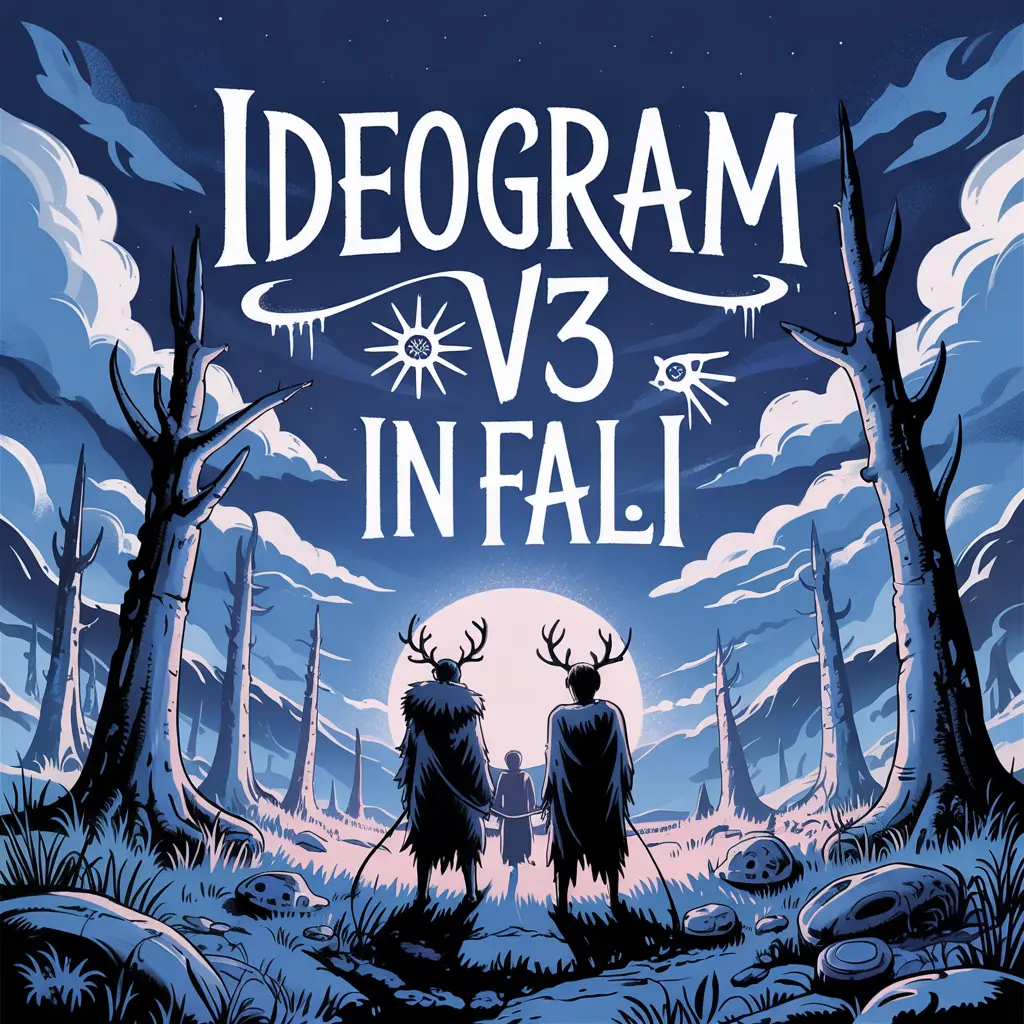
    Ideogram V3 is Ideogram's latest public image model. Ideogram officially positions 3.0 around best-in-class photorealism, stronger prompt fidelity, crystal-clear typography, and more consistent styles across design-led image tasks. In practice, Ideogram V3 is the model you reach for when the image needs to carry readable text, stronger layout intent, and a more graphic-design-aware output than a generic image model usually gives.

    Ideogram V3 preview 1
    Brand Graphics & Typography

    Ideogram V3 preview 1

    Key Capabilities

    Brand Graphics & Typography
    Ideogram V3
    01

    Crystal-Clear Typography

    Ideogram's official docs continue to treat text rendering as a defining strength. Ideogram V3 is especially useful when the generated image itself needs to contain usable headlines, logos, labels, or other visible copy.

    02

    High Prompt Fidelity

    Ideogram 3.0 is officially positioned around stronger prompt alignment. That matters when wording, object placement, and design intent need to stay closer to the original brief instead of drifting into loosely interpreted imagery.

    03

    Design-Led Brand Graphics

    Ideogram explicitly showcases logos, posters, landing page concepts, and other brand graphics as core use cases. This is the part that makes Ideogram V3 more naturally suited to graphic-design tasks than a generic realism-first model.

    04

    Photorealism with Layout Awareness

    Official materials also highlight a major realism upgrade. Ideogram V3 is not only about text; it is also meant to produce more credible subjects, lighting, and spatial composition while preserving stronger layout structure.

    05

    Consistent Styles Across Outputs

    Ideogram 3.0 introduces stronger style consistency as an official model goal. That makes it more useful when a series of outputs needs to feel visually related instead of looking like disconnected one-off generations.

    From YouTube

    Ideogram V3 YouTube Videos

    Creator and review walkthroughs that are useful for understanding Ideogram V3 around typography, prompt fidelity, and design-aware image generation.

    YouTubeYouTube · The AI Marketing Navigator
    Hands-on Review

    Ideogram 3.0 walkthrough focused on typography and style control

    A practical review that is useful for understanding how Ideogram 3.0 is being judged on text rendering, realism, and style-reference workflows.


    YouTubeYouTube · AI Revolution
    News Coverage

    AI news roundup covering the Ideogram 3 release window

    Useful as release-window context for how Ideogram 3 entered the wider AI tool conversation around realism and design workflows.

    YouTubeYouTube · Creative Pad Media
    Workflow Example

    Ideogram workflow video focused on realistic product-style creative output

    Helpful for understanding how creators use recent Ideogram capabilities in practical brand and product-style visual workflows.

    From X

    Ideogram V3 on X

    Official launch and community references that help explain how Ideogram 3.0 is being framed around text accuracy, style references, and design-led creative work.

    How to Use Ideogram V3 for Images

    1. 1

      Write one prompt for the image and the copy

      Describe the subject, visible text, composition, and graphic direction in the same prompt. Ideogram V3 works best when the prompt treats wording and visual hierarchy as part of the same design task.

    2. 2

      Choose image size, render speed, and style together

      In the current FreeGPT2 workbench, Ideogram V3 exposes image size, rendering speed, and style at generation time. Set all three before the first pass so speed, layout, and visual tone are aligned with the intended asset.

    3. 3

      Use prompt expansion only when it improves the brief

      The current workflow exposes prompt expansion and negative prompts. Turn expansion on when you need Ideogram to enrich a loose idea, but keep it off when the prompt already contains tightly controlled layout or copy instructions.

    4. 4

      Review the text, then the composition

      After generation, check the text first for readability and placement, then review hierarchy, spacing, and the overall graphic logic. With Ideogram V3, the right evaluation standard is not just whether the image looks good, but whether the design reads clearly.

    Use Cases

    Ideogram V3 is strongest when the image needs readable text, stronger layout logic, and a more design-aware output than a generic photo-first model typically provides. It is less about raw image realism alone and more about realism, typography, and visual hierarchy working together.

    • 01

      Posters, covers, and title graphics

      Use Ideogram V3 for event posters, campaign covers, title-led social graphics, and other assets where the wording belongs inside the image rather than being added later.

    • 02

      Brand graphics and logo concepts

      It is a strong fit for slogans, logo directions, promo graphics, and other graphic-first concepts where text and visual form need to be developed together.

    • 03

      Social graphics with readable text

      Use it for quote cards, headline images, announcement visuals, and other social assets where typography is a core part of the final deliverable.

    • 04

      Prompt-led design refinement

      Ideogram V3 is useful when a design-heavy image needs another pass through render speed, style selection, prompt expansion, or negative prompts rather than a complete model switch.

    Output & Quality

    Best suited for

    • →Posters, title graphics, and text-led marketing visuals
    • →Brand graphics, logos, and other design-first concepts
    • →Prompt-sensitive layouts where wording and composition must stay aligned
    • →Images that need both graphic structure and stronger modern realism

    Limitations

    • →Ideogram V3 is built for text-led design work, so it is less direct when the image has little typography or layout intent.
    • →If the job depends more on source-image editing or generic photo generation than on visible text and design hierarchy, another image model may be easier to use.

    Pricing & Credits

    Each generation with Ideogram V3 consumes credits inside FreeGPT2.

    Typical cost

    11 ~ 30 credits per generation

    Processing time

    Processing time varies with rendering speed, prompt complexity, selected style, and queue state.

    Use the active workflow cost shown on the page as the current Ideogram V3 credit reference. In the current implementation, higher-quality render settings and denser design prompts can both increase total time.

    FAQ

    In the current FreeGPT2 workbench, Ideogram V3 mainly exposes image size, rendering speed, style, prompt expansion, and negative prompts.

    Related Models

    GPT Image 1.5

    →

    GPT Image 2

    →

    FLUX.2 Pro

    →

    Nano Banana 2

    →

    Nano Banana Pro

    →

    Seedream 5.0

    →

    Related Tools

    Text to Image

    →

    Image to Image

    →
    Plans

    Free to try. Priced to scale.

    Start with free credits on sign-up. Upgrade only when recurring production, private generation, or higher volume starts to matter.

    Lite

    For lighter recurring creation.

    Visibility control
    Yearly
    $8.33/month
    • 800 credits/month
    • Up to 3,192 images
    • Up to 264 videos
    • No watermark
    • Higher resolution
    • Private generation
    • Faster speed
    • Image and video workflows
    • Lower volume than Pro
    • Best for lighter usage

    Pro

    Switch fixed steps to match your monthly output.

    Most PopularVisibility control
    Selected price
    Yearly · $299.99
    $25
    /month
    3k
    👆
    • 3,000 credits/month

    • Up to 12,000 images

    • Up to 996 videos

    • Higher monthly capacity

    • No watermark

    • Private generation

    • Faster speed

    • Image and video workflows

    Free

    Try the core flow before you upgrade.

    One-time trialPublic by default
    One-time trial
    $0
    • 20 credits
    • Up to 6 images to try
    • Core image and video workflows
    • Save outputs to your library
    • Reuse outputs as references
    • Video generation
    • Watermarked
    • Public by default
    • No recurring credits
    • Standard queue during busy hours
    Secure payment processing by Stripe
    Visa
    Mastercard
    American Express
    UnionPay
    Apple Pay
    Google Pay
    JCB
    Stripe Climate0.2% of purchases contributed to Stripe Climate
    LogoFreeGPT2

    Free GPT Image 2 workflows for creators and teams generating posters, products, portraits, thumbnails, and visual assets.

    YouTubeYouTubeEmail
    AI Tools
    • Text to Image
    • Image to Image
    • Text to Video
    • Image to Video
    Models
    • Nano Banana 2
    • Flux 2 Pro
    • Veo 3.1
    • Kling 3.0
    • Wan 2.7
    Resources
    • Explore
    • Pricing
    • Blog
    Company
    • About
    • Contact
    • Cookie Policy
    • Privacy Policy
    • Terms of Service
    © 2026 FreeGPT2 All Rights Reserved.
    Privacy PolicyTerms of ServiceCookie Policy