YouTube · Prompt Warrior
Creator ReviewGPT Image workflow review and practical image tests
A creator-side review that helps frame GPT Image as a usable image workflow for prompt-led generation and edits rather than only a product announcement.
Prompt-faithful AI image generation with size, quality, background, and output format controls for cleaner first-pass stills and straightforward follow-up edits.
Ready to create images
Generate in this workspace and the latest result will appear here with the supporting content below.
Explore more image creation tools and video generation on Epochal.
GPT Image 1.5 is OpenAI's latest image generation model. OpenAI positions it around stronger instruction following, more precise editing, improved dense text rendering, more natural-looking results, and faster iteration than the previous image model line. In practice, GPT Image 1.5 is the model you choose when the written request itself needs to stay accurate all the way into the final image.
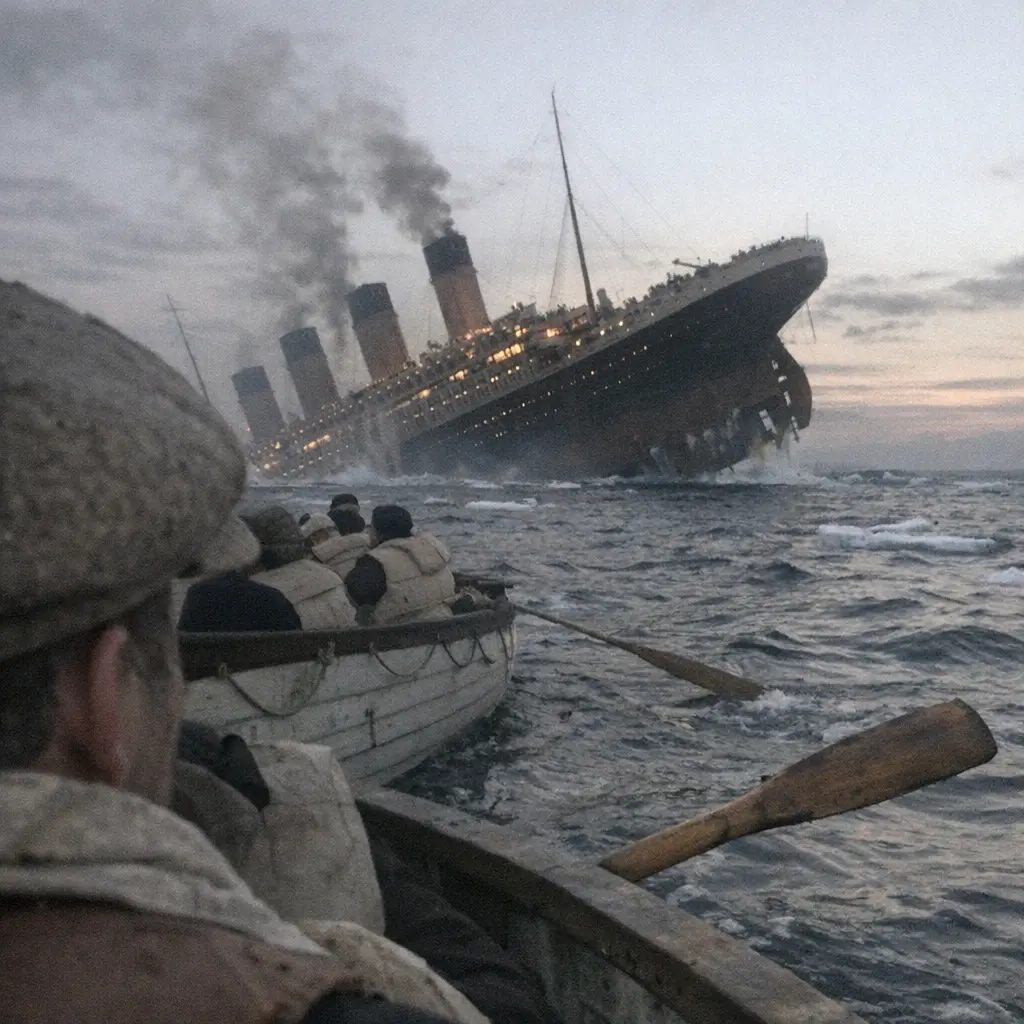
GPT Image 1.5 preview 1
OpenAI explicitly describes GPT Image 1.5 as having better instruction following and adherence to prompts. That makes it more useful when the prompt contains multiple constraints that need to survive into the output instead of being loosely interpreted.
OpenAI also highlights more precise edits while keeping important details intact. Even though this page centers on text-to-image, the model family itself is designed to move naturally between generation and directed revision.
Official materials call out improved dense text rendering as a headline upgrade. This is the part that makes GPT Image 1.5 more practical for posters, promo layouts, interface mockups, and other text-sensitive visuals.
OpenAI's image generation docs support transparent background generation through the current tool options. That makes GPT Image 1.5 more useful for stickers, product cutouts, UI assets, and layered design workflows.
OpenAI positions GPT Image 1.5 as its most capable general-purpose text-to-image model so far, with more natural-looking outputs and more expressive transformations. It is meant to land closer to the intent of the prompt rather than just produce attractive variation.
Creator walkthroughs that are useful for understanding GPT Image style workflows, editing behavior, and prompt-led image generation in practice.
A creator-side review that helps frame GPT Image as a usable image workflow for prompt-led generation and edits rather than only a product announcement.
Useful for understanding how GPT Image 1.5 is being judged on editing quality, prompt accuracy, and real-world workflow fit.
Helpful for seeing how OpenAI’s image generation is used in repeatable design, layout, and content production tasks.
Public creator and ecosystem references that help explain how GPT Image is being framed around editability, quality, and production-style output.
Describe the subject, scene, text, and delivery intent in one prompt. GPT Image 1.5 is most useful when the request is explicit enough to act like a real production brief rather than a loose visual suggestion.
In the current FreeGPT2 workbench, GPT Image 1.5 exposes image size and quality at generation time. Choose those first so the model is already aiming at the right frame and fidelity level.
FreeGPT2 currently exposes background mode together with JPEG, PNG, or WEBP output. That matters when the image is meant for transparent assets, layered design files, or more conventional marketing exports.
After generation, check whether the image obeyed the wording, layout logic, and text requirements you asked for. GPT Image 1.5 becomes most valuable when you judge it against instruction accuracy rather than generic visual appeal alone.
GPT Image 1.5 is strongest when the task depends on instruction accuracy, readable text, transparent-background handling, and a cleaner relationship between the written brief and the generated image. It is less about open-ended visual exploration and more about getting controlled image tasks to land correctly.
Use GPT Image 1.5 when text belongs inside the generated image and readability matters as much as the visual style.
It is a strong fit for product cutouts, stickers, overlays, UI assets, and other outputs that need to drop cleanly into a layered design workflow.
Choose it when the prompt has to control subject, copy, background, and visual relationship more tightly than a looser image model usually can.
Use it for assets where wording, object placement, and background treatment all need to stay closer to the brief instead of drifting toward a generic creative result.
Each generation with GPT Image 1.5 consumes credits inside FreeGPT2.
Processing time varies with quality, image size, background mode, prompt density, and queue state.
Use the active workflow cost shown on the page as the current GPT Image 1.5 credit reference. In the current implementation, higher quality settings and larger image sizes usually increase total time.
In the current FreeGPT2 workbench, GPT Image 1.5 text-to-image exposes image size, quality, background mode, and output format.
Start with the one-time Starter Pack. Upgrade only when recurring production, private generation, or higher volume starts to matter.
For lighter recurring creation.
Switch fixed steps to match your monthly output.
3,000 credits/month
Up to 12,000 images
Higher monthly capacity
No watermark
Private generation
Faster speed
Image generation and editing workflows
Try the core flow before you upgrade.







 0.2% of purchases contributed to Stripe Climate